 PMU Perfect
Keeps the photo on your phone
No upload, no server, no account. It uses no face recognition: you pick the face.
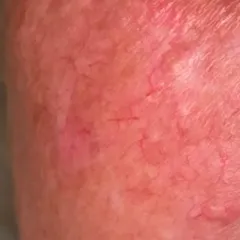
Softens fine lines, blotches and redness in your client's photo and keeps the pores, so the skin still looks natural. Brows, eyes and lips are never touched.
3 steps: choose the photo, tap the face, save. The photo stays on your phone.
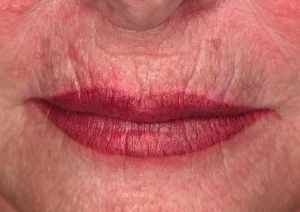
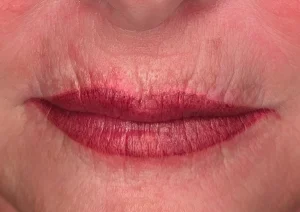
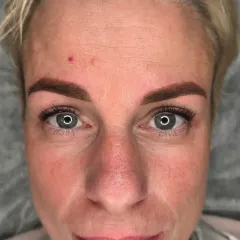
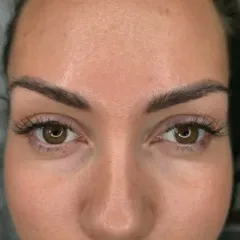
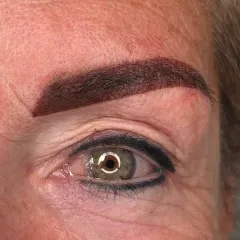
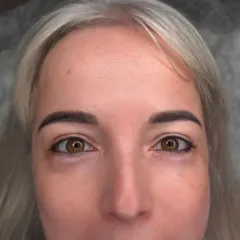
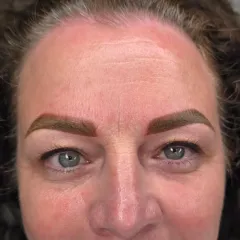
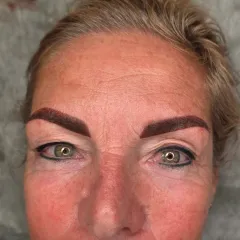
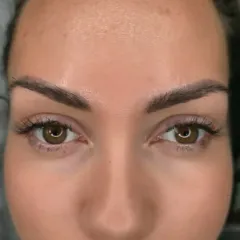
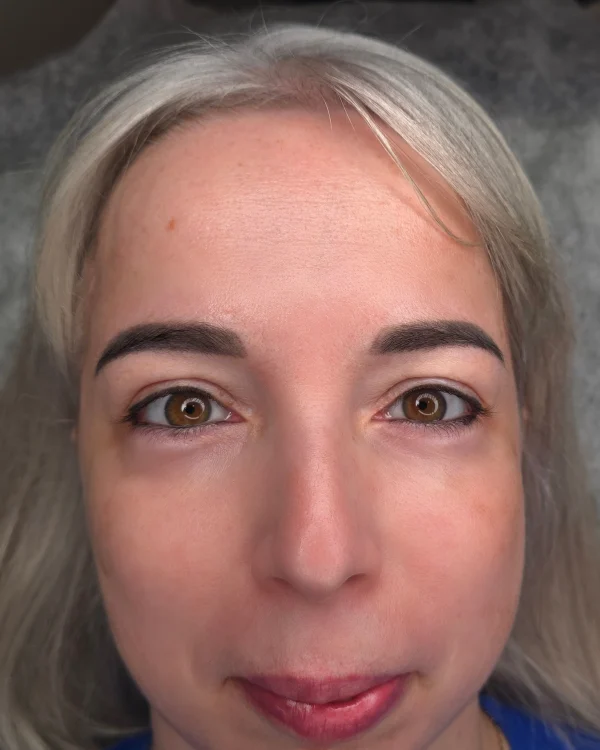
: the original on the left, the retouch on the right. Below, pick an example: a young, middle-aged or older client.
Try it with your own photoWhat the app does to the skin:
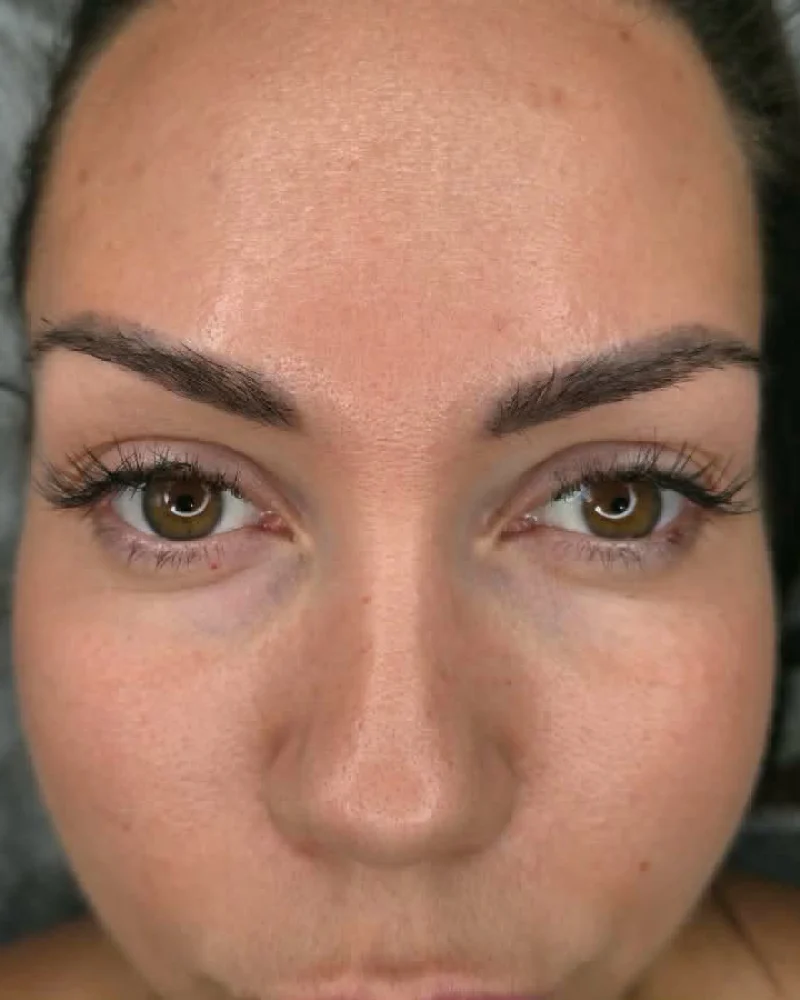
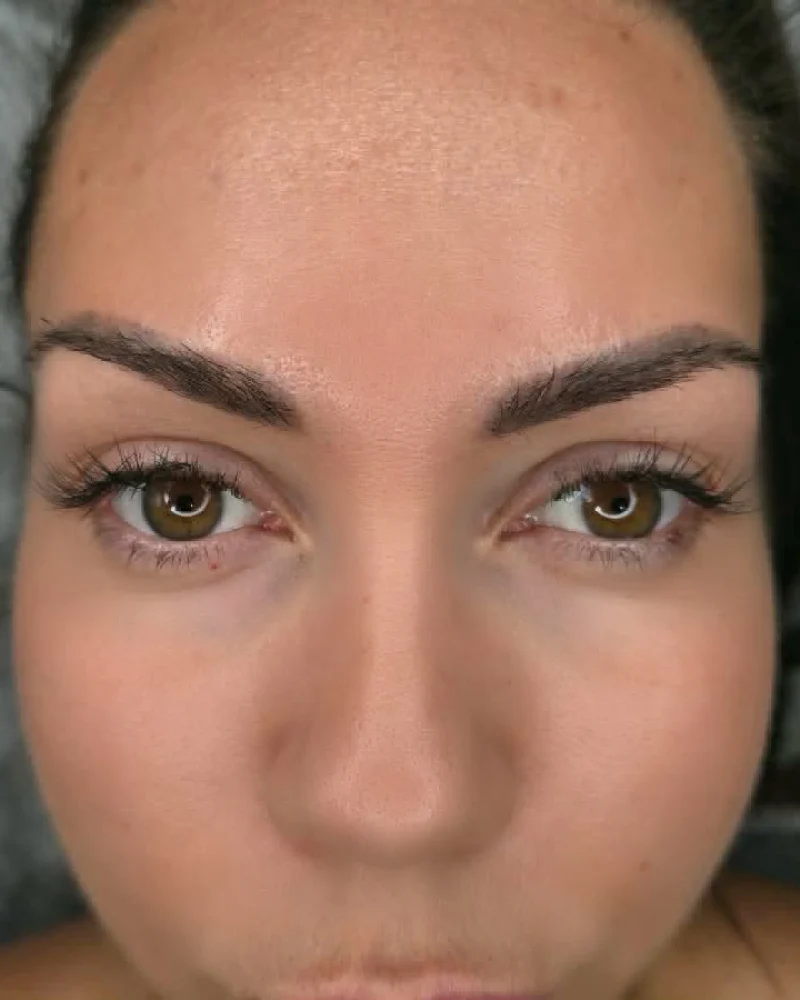
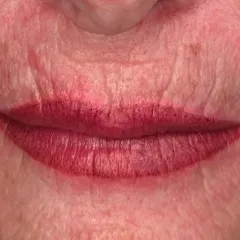
PMU Perfect softens the skin around it and the signature stays as it is: brows, lips and eyeliner identical to the original. Retouching them would be misleading advertising.
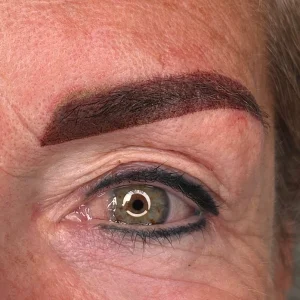
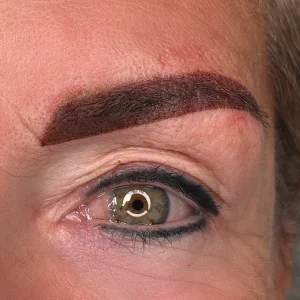
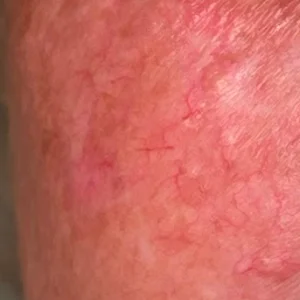
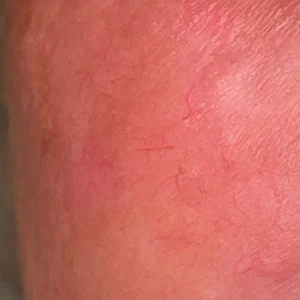
No upload, no server, no account. It uses no face recognition: you pick the face.
With “Protect your work” on, brows, eyeliner and lip contour stay untouched, exactly as you did them.
After the first visit it works offline: in a studio with no signal or in flight mode.
Same size and orientation as the original, never cropped. On iPhone, Share and then “Save Image” puts it in Photos.
Artificial intelligence is only used to find the face in the photo. The rest is ordinary skin retouching.
AI Act: Regulation (EU) 2024/1689 on artificial intelligence.
From your phone's gallery, at full resolution.
The app finds the face by itself. If there are several people in the photo, you tap the one to retouch.
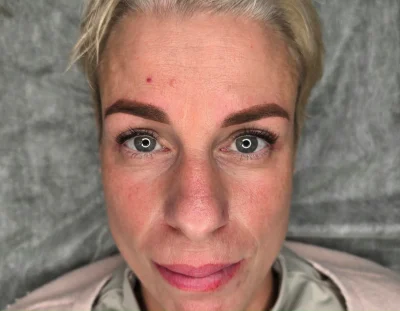
The retouched photo goes to your gallery, ready for Instagram.
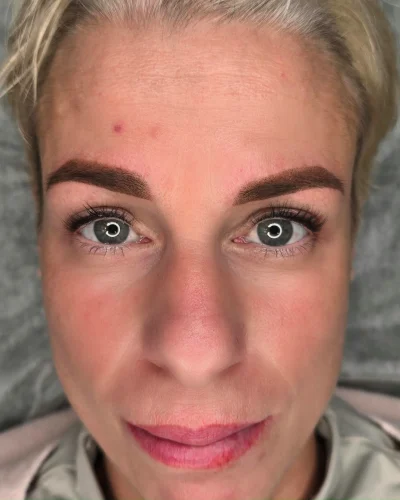
What PMU artists ask before installing it.
No. It installs from the browser, from this page, and takes little space.
No. The photo stays on your phone: no server, no account.
Never. Brows, eyes, lips and eyeliner stay as you did them.
Tap Save photo, then Share and “Save Image”: you'll find it in Photos.
Yes, after the first visit. In flight mode too.
No. It saves it at the same size and orientation as the original.
No App Store needed: the app installs from this page and takes little space. Here is what to tap, step by step.
 iPhone, in Safari
Using Chrome on iPhone? Tap Share in the address bar, then “Add to Home Screen”.
 Android, in Chrome
Usually the “Install the app” button is enough: the install window opens at once. If it does not:


 Opened from Instagram, Facebook or TikTok
These apps cannot install it: first open the page in Safari or Chrome.
 On a computer
PMU Perfect is made for phones: open this page on your phone and install it there. On a computer it works like this: